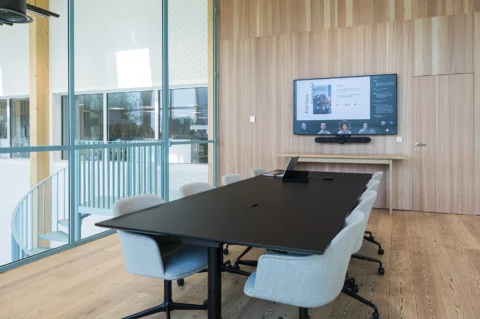
What is BRIX? The smart standard for meeting rooms
You walk into a meeting room at the office in Amsterdam. A week later, you are joining a meeting from Antwerp, and a month later from London. Yet every room works slightly differently.
In one room, you start a Microsoft Teams meeting at the touch of a button. In another, you first have to work out how to connect. Cameras, microphones, displays and controls differ from room to room, and when something does not work, IT does not always know immediately which configuration is in place.
For users, that is frustrating. For IT, it makes management unnecessarily complex.
That is why more and more organisations are choosing to standardise their meeting rooms. With BRIX, AVEX has developed one scalable standard for exactly this purpose.
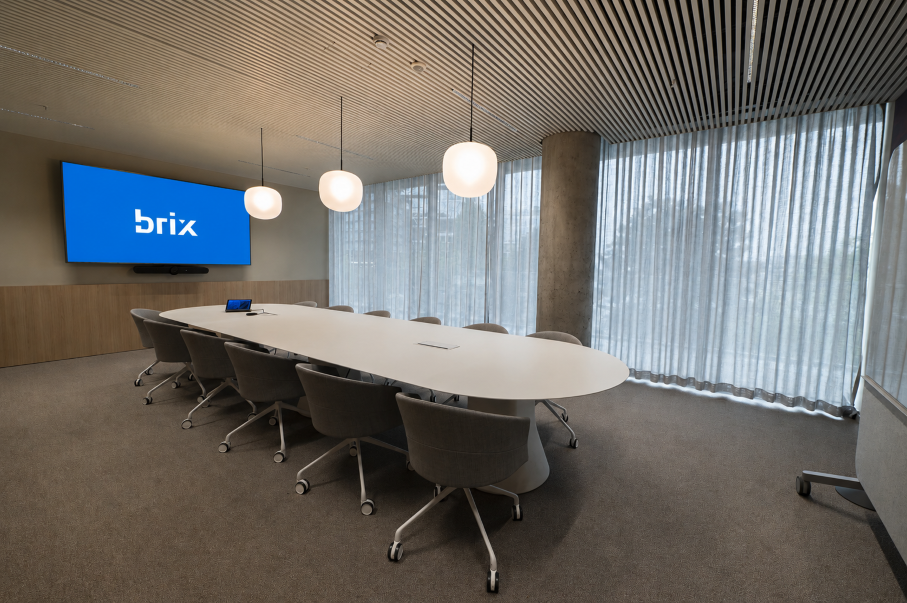
What is BRIX?
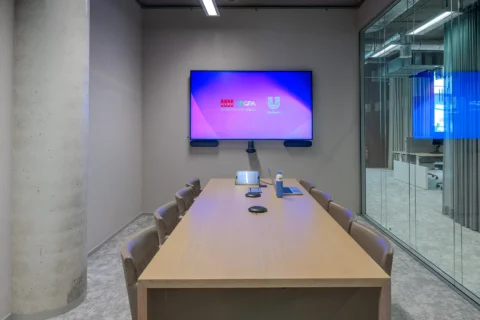
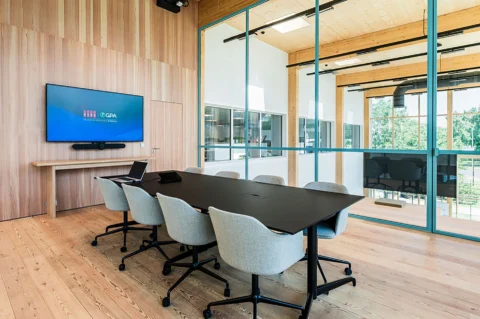
BRIX is AVEX’s standardised meeting room solution. Instead of designing every meeting room as a separate bespoke project, we work with pre-designed and proven configurations for different types of rooms.
This means you are not only standardising the equipment, but more importantly the functionality and user experience. Employees know what to expect in every room, while IT has fewer different configurations to manage.
In short: BRIX turns individual meeting rooms into one consistent and scalable meeting environment.
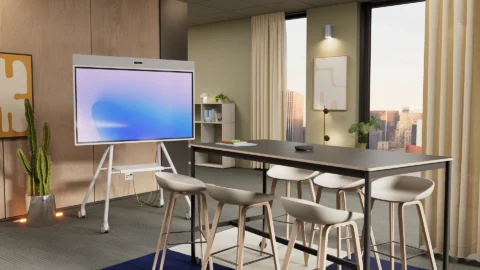
BRIX is available for Small, Medium and Large meeting rooms and can be configured for solutions including Microsoft Teams Rooms and BYOD.
Why standardise meeting rooms?
Many audiovisual environments have not been created all at once. An organisation opens a new location, expands a floor or upgrades several meeting rooms. At different times, different systems, brands and configurations are added.
This may seem flexible on a project-by-project basis, but over time it can result in a fragmented AV environment:
- meeting rooms work differently;
- users have to work out how the technology operates in each room;
- IT has to manage different types of hardware and configurations;
- support and maintenance become more complex;
- new rooms require additional design and engineering time;
- scaling internationally becomes more difficult.
What starts as flexibility can therefore end in unnecessary complexity. Standardising meeting rooms creates a familiar foundation that can be applied again as the organisation grows.
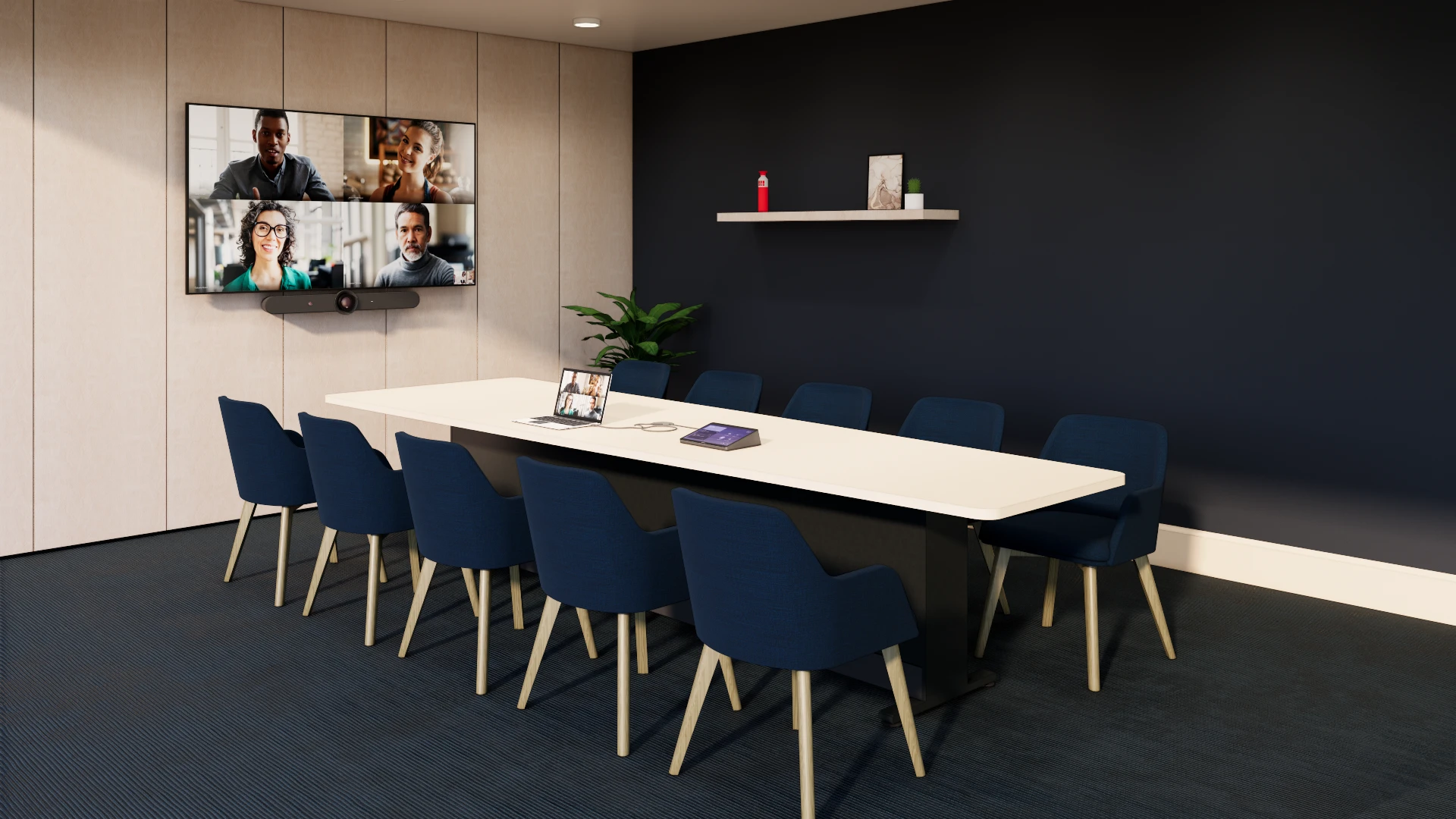
The real challenge is not the technology
When designing a meeting room, attention quickly turns to displays, cameras, microphones and speakers. But for the user, something else ultimately matters: can I walk in and get started straight away?
Users do not want to think about which technology is available in each room. IT wants control over equipment, configurations, management and support. And organisations with multiple locations do not want to start from scratch every time they add a new room.
That is why BRIX is not simply about a fixed combination of products. It is about creating a repeatable standard for the complete meeting experience.
This aligns with our wider approach to professional meeting solutions: consistent where possible and bespoke where necessary.
How does BRIX work?
With BRIX, we use pre-designed and proven configurations for different types of meeting rooms. Based on the room, number of users, IT environment and preferred way of meeting, we determine which BRIX configuration is the best fit.
BRIX is available in three sizes:
- BRIX Small: for compact meeting rooms and huddle rooms for up to 4 people;
- BRIX Medium: for medium-sized meeting rooms for 4 to 7 people;
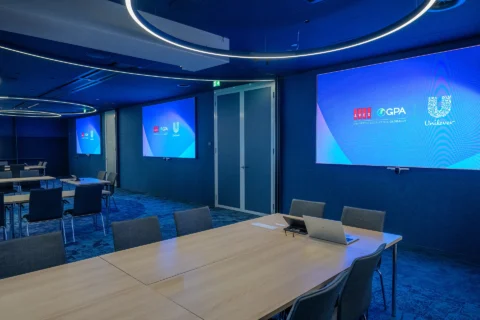
- BRIX Large: for larger meeting rooms for 8 to 12 people.
The solutions support both Microsoft Teams Rooms and BYOD, depending on how your organisation prefers to collaborate.
This means you do not have to reinvent the wheel for every new room. You determine which standard belongs to each type of room and can then apply it consistently across a floor, office or multiple international locations.
Standardisation does not mean every room has to be identical
A common question is whether standardisation means that every meeting room gets exactly the same equipment and setup. That is not the aim.
A compact huddle room requires something different from a meeting room for twelve people. Some rooms also have specific requirements because of their dimensions, acoustics, interior design or intended use.
That is why BRIX combines standardisation with engineering. We first assess the rooms, users and technical environment, and then determine which BRIX configurations are suitable. When a room falls outside the standard, a bespoke solution may be the better choice.
This prevents every room from becoming a unique project, without forcing a standard solution where it does not fit.
What are the benefits of standardising meeting rooms?
The same user experience in every room
Employees recognise how things work. Whether someone is meeting at head office or another location, the controls and functionality are predictable. This lowers the barrier to using a room and allows the technology to fade into the background.
Simpler management for IT
Less variation in equipment and configurations makes management, support and maintenance easier. IT does not need to understand a completely different technical environment for every meeting room.
Faster rollout of new meeting rooms
Designing, selecting and testing everything again for every new room takes time. With proven configurations, much of that foundation is already in place. This makes rolling out new rooms and locations more predictable.
Easier scaling across multiple locations
For organisations with multiple offices, standardisation becomes increasingly valuable. The same principles can be applied to new floors, buildings or international locations without having to start again each time.
BRIX for Microsoft Teams Rooms and BYOD
Not every organisation meets in the same way. Some organisations want Microsoft Teams fully integrated into the room, while others prefer users to connect from their own laptops.
That is why BRIX can be used for both Microsoft Teams Rooms and BYOD (Bring Your Own Device).
With Microsoft Teams Rooms, the focus is on a dedicated in-room meeting experience: users can join a scheduled Teams meeting directly from the room and use the room’s cameras, microphones and speakers. With BYOD, employees use their own laptops as the starting point and connect them to the AV technology in the room.
Which approach works best depends on your IT environment, users and way of working. BRIX ensures that you do not then need to create a different solution for every room.
Which organisations can benefit from BRIX?
The benefits of BRIX increase as the number of meeting rooms and locations grows. The solution is therefore particularly relevant for organisations that:
- manage multiple meeting rooms;
- have several office locations;
- operate internationally;
- want to roll out new rooms or locations;
- want to reduce differences between existing meeting rooms;
- want to simplify IT management and support;
- want to create one consistent user experience.
That does not mean BRIX is only relevant to organisations with hundreds of rooms. Even with a smaller number of meeting rooms, there can be significant value in establishing one standard from the outset that can be built upon later.
How do you roll out BRIX across multiple locations?
Standardisation does not begin by simply copying the same equipment into every room. First, you need to understand which types of rooms exist within the organisation and what users need to be able to do in them.
That is why we assess the existing meeting environment, users, IT infrastructure and technical requirements. We then determine which BRIX configurations can be used as the standard. Once implemented, this foundation can be used for future rooms and locations.
This is particularly valuable for organisations operating internationally. An employee in the Netherlands, Belgium or the UK can walk into a meeting room and have the same familiar experience.
The digital workplace can also play a role in this. In our article about Microsoft Places, for example, you can read how finding and booking a room can be connected with what employees actually encounter in the physical meeting space.
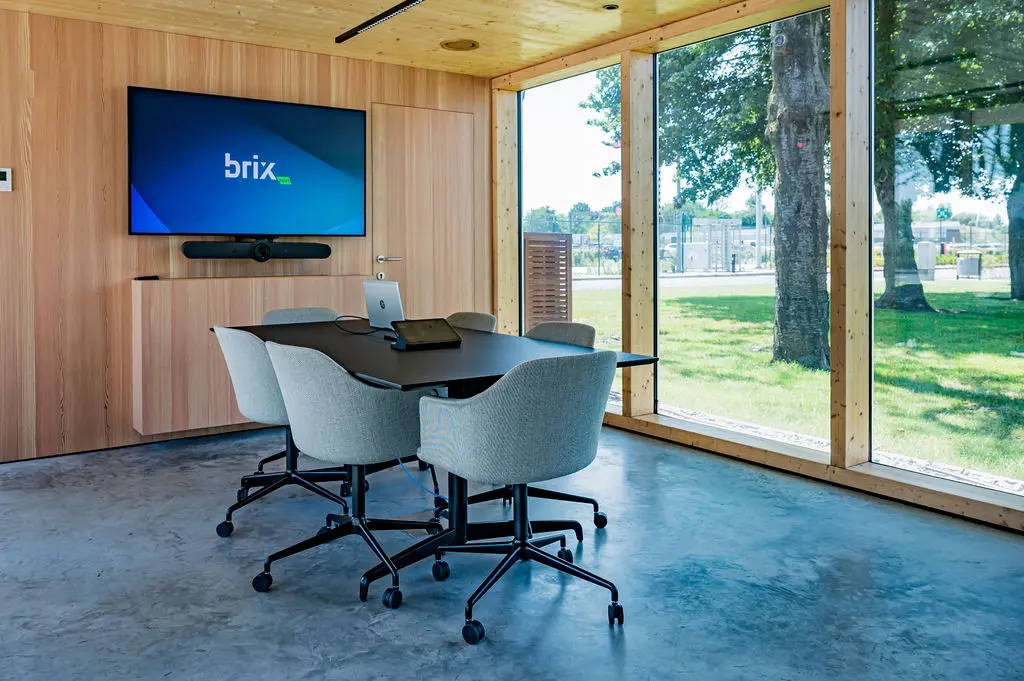
And what is BRIX zero?
Do you want to reduce the environmental impact of your audiovisual environment alongside standardisation? Then there is BRIX zero.
BRIX zero combines the standardised BRIX approach with a circular approach to audiovisual technology. Rather than looking only at the initial purchase of equipment, it considers the entire lifecycle. This includes extending product lifespans, reuse, repair, refurbishment and responsible processing when equipment can no longer be used.
This allows you to combine meeting room standardisation with your organisation’s wider sustainability objectives.
Spend less time on technology and more time collaborating
Ultimately, a meeting room is not about the display on the wall or the camera above it. The technology should enable people to collaborate easily, regardless of the room or location they are joining from.
BRIX makes that experience scalable. Not by making every meeting room identical, but by creating a proven standard that can be applied again and again.
This means a new meeting room does not feel like a completely new environment every time. You walk in, recognise how it works and can get started.
Jeroen Labots
Portfolio Manager

Publication date
19 October 2026
Updated date
19 October 2026
Sector
All Sectors
Solution
BRIX
FAQ
Frequently Asked Questions
What is BRIX?
What types of rooms is BRIX suitable for?
Does BRIX work with Microsoft Teams?
Can BRIX also be rolled out internationally?
Can BRIX scale with our organisation?
Which brands are used within BRIX?
Is BRIX suitable for existing offices?
Does AVEX also provide installation and management?
Keep exploring