
Divisible Meeting Rooms: A Smart Idea or a Source of Frustration?
Today, three project teams are meeting separately. Tomorrow, the same space is filled with a hundred employees for a Town Hall. On paper, it sounds like the ideal solution, but in practice, it is often more complicated.
A divisible meeting room is only successful when not just the walls, but the user experience adapts too. And that is exactly where things can go wrong.
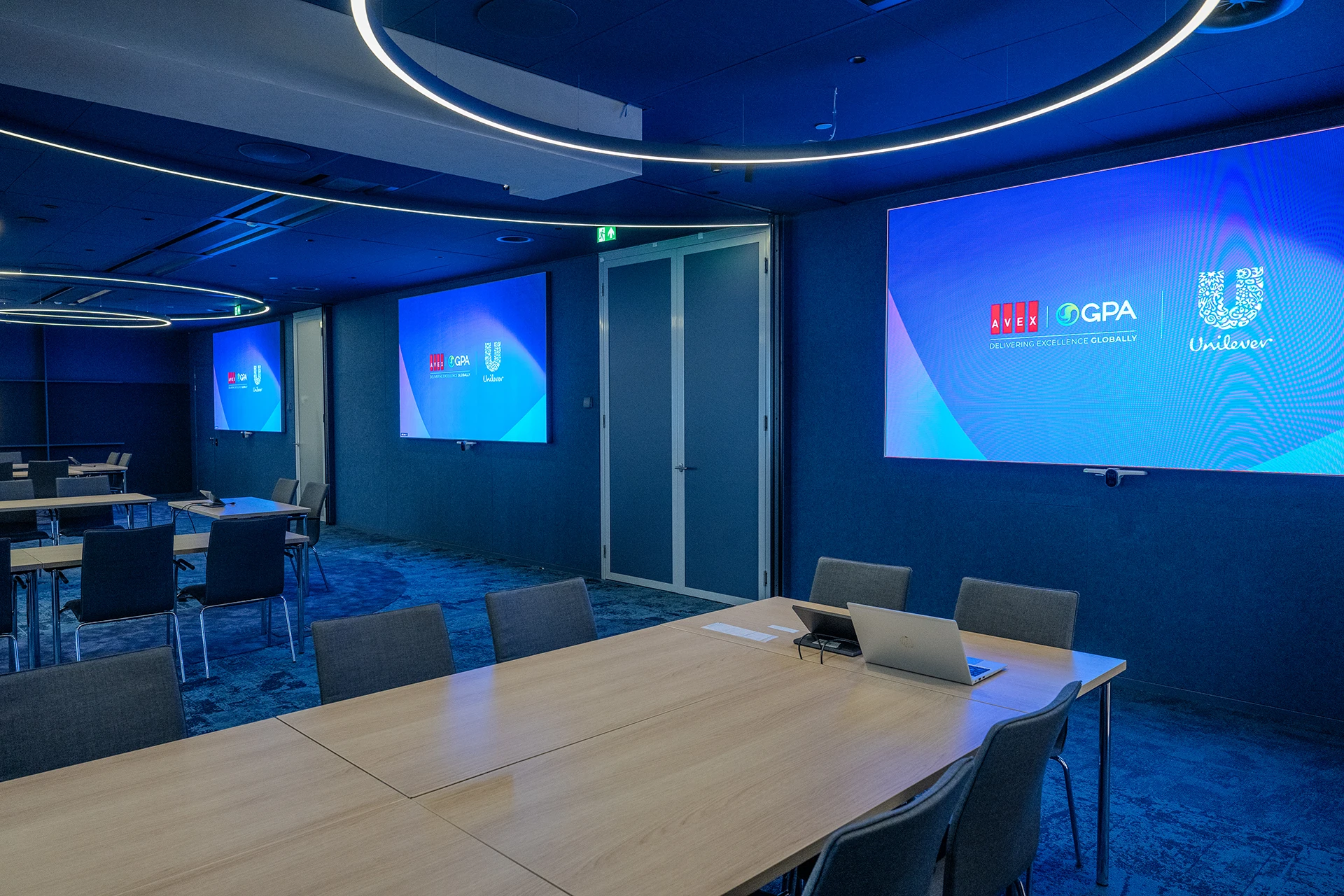
What happens when two rooms are combined? Can participants still hear each other clearly? Is the presentation visible to everyone? Does Microsoft Teams still work as users expect? And how do you make sure employees do not need a manual before they can start a meeting?
With clients such as Unilever and Aon, we see that a divisible room is much more than a movable wall. It requires a carefully considered combination of room layout, acoustics, audiovisual technology and ease of use.
What makes a divisible meeting room successful?
It does not start with the layout or the equipment, but with the types of meetings you want to facilitate.
Will the room be used for:
- daily Teams meetings
- training sessions
- hybrid workshops
- board meetings
- presentations for larger groups
Each application places different demands on video, audio and control. A space that works perfectly as three separate meeting rooms will not automatically work well as one large room. If you only discover that after installation, it is often too late.
The biggest challenge? Audio.
When people think about divisible rooms, screens and cameras often come to mind first. In reality, audio is usually what determines whether users experience a meeting or presentation as comfortable and effective. Poor audio can cause people to disengage almost immediately. For example, it can be very distracting when the sound of remote participants comes from a different direction to where they appear on screen. That is why we look beyond microphones and loudspeakers and also consider:
- sound insulation between rooms
- reflections from walls and ceilings
- speech intelligibility
- different room configurations
Adding more loudspeakers will usually not solve an acoustic problem. In fact, sometimes it can make the situation worse.
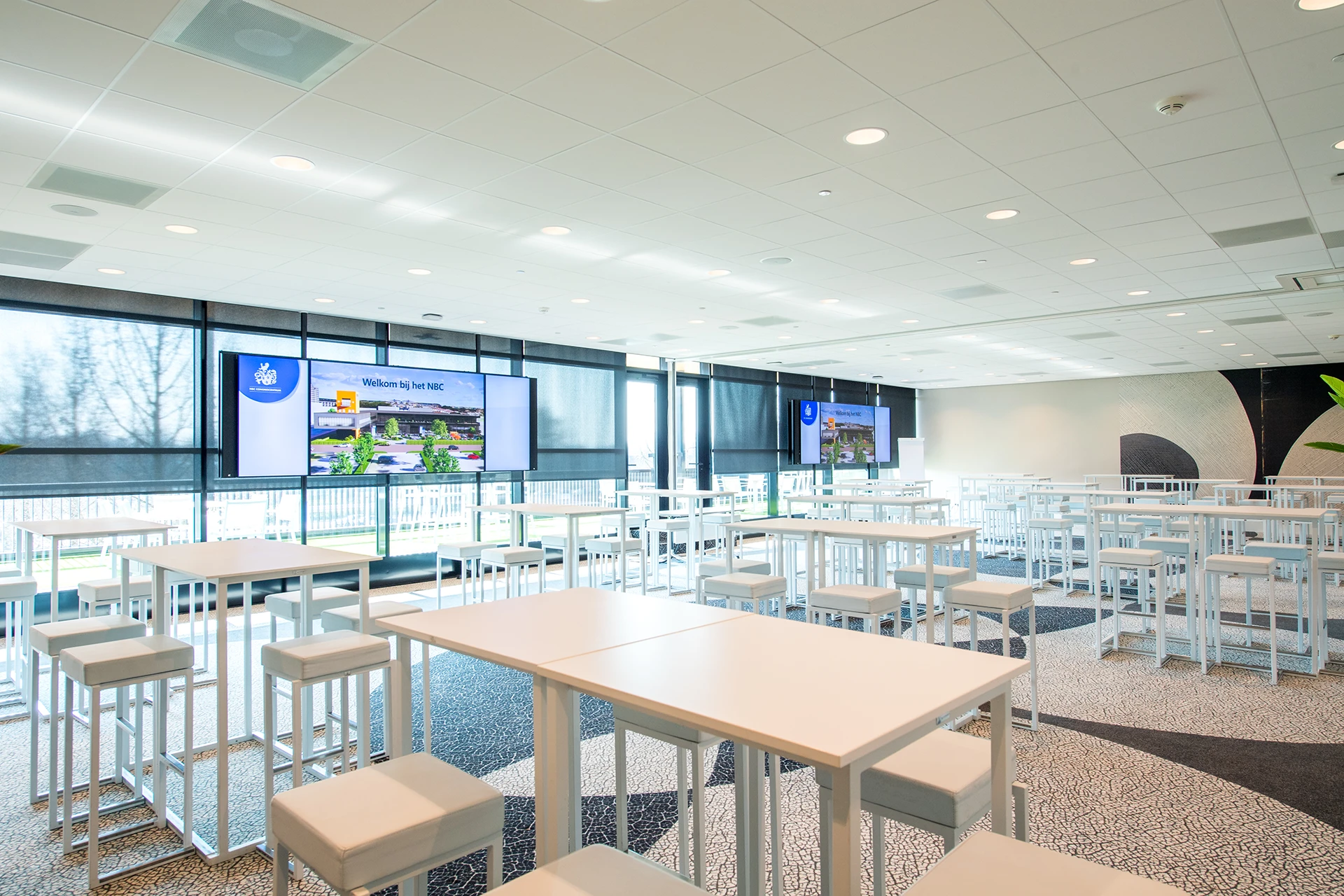
Hybrid working makes divisible meeting rooms more complex
Showing a presentation in a divisible room is relatively straightforward. An interactive hybrid session where people move around the room, ask questions and collaborate with remote participants is a different matter. A common mistake is assuming that a presentation is visible simply because there is a screen somewhere in the room. But what happens when three meeting rooms become one large space?
- Can participants at the back still read a spreadsheet?
- Are the camera images large enough, and do the cameras switch automatically when someone in the audience asks a question?
- Should content and remote participants be visible at the same time, or do remote participants become a distraction during the presentation?
- And does the presenter need a confidence monitor so they do not forget about remote participants behind them when someone asks a question?
These are questions you want to answer in advance, not during the first meeting. That is why we design hybrid spaces around behaviour rather than equipment. What kind of interaction needs to be possible? Who needs to see whom? And what must a remote participant absolutely not miss? Only then does it become clear which cameras, microphones and control systems are required.
Invisible technology is the best technology
The more advanced a divisible room becomes, the more important ease of use becomes. End users do not want to think about room configurations, audio routing or display settings.
A successful room feels intuitive. You walk in, start your meeting and the technology does what you expect. We achieve this by defining scenarios, also known as presets, which switch all audio and video to the required functionality at the touch of a button. That sounds simple, but it often requires the most attention during the design process.
Divisible meeting rooms in practice: Unilever and Aon
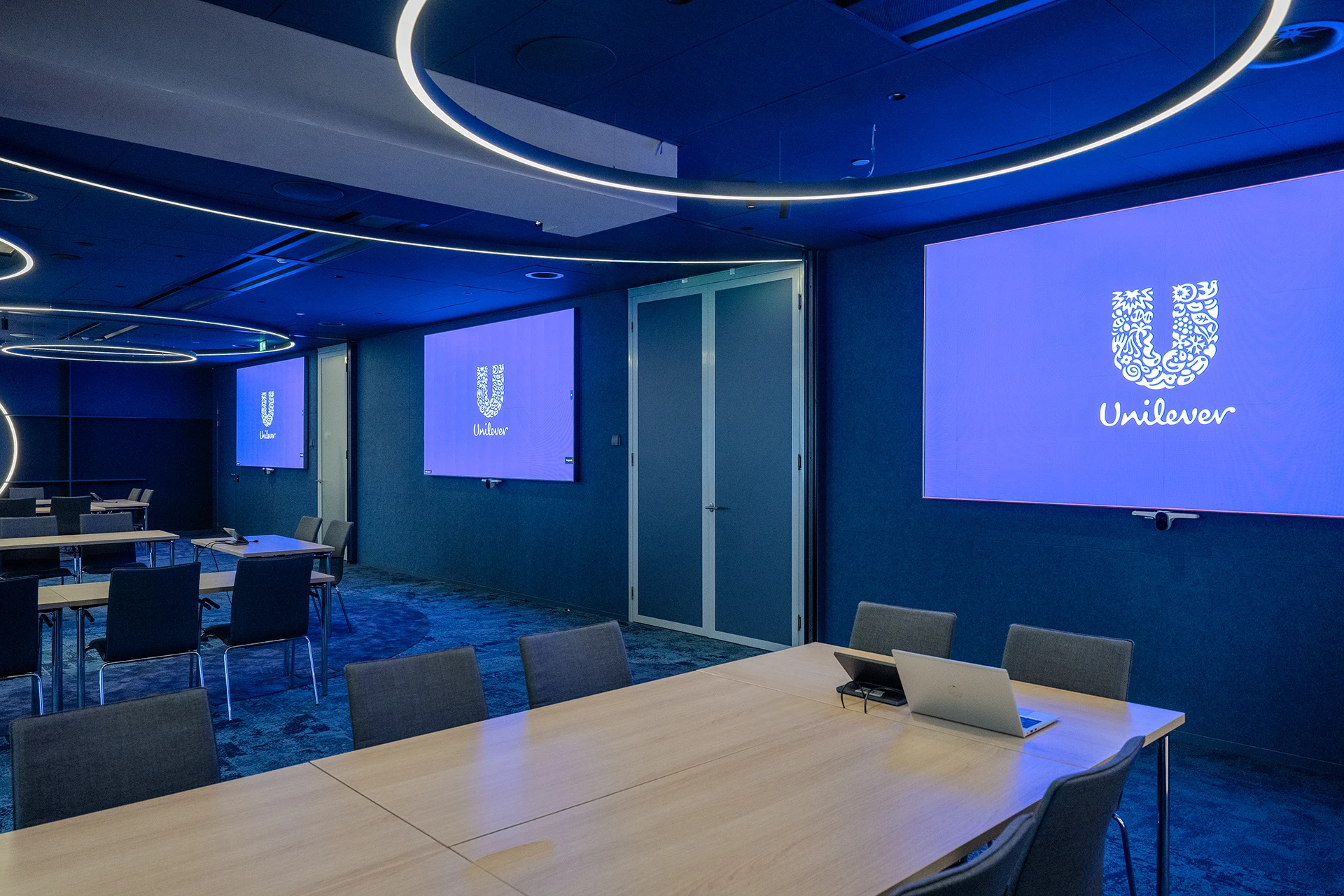
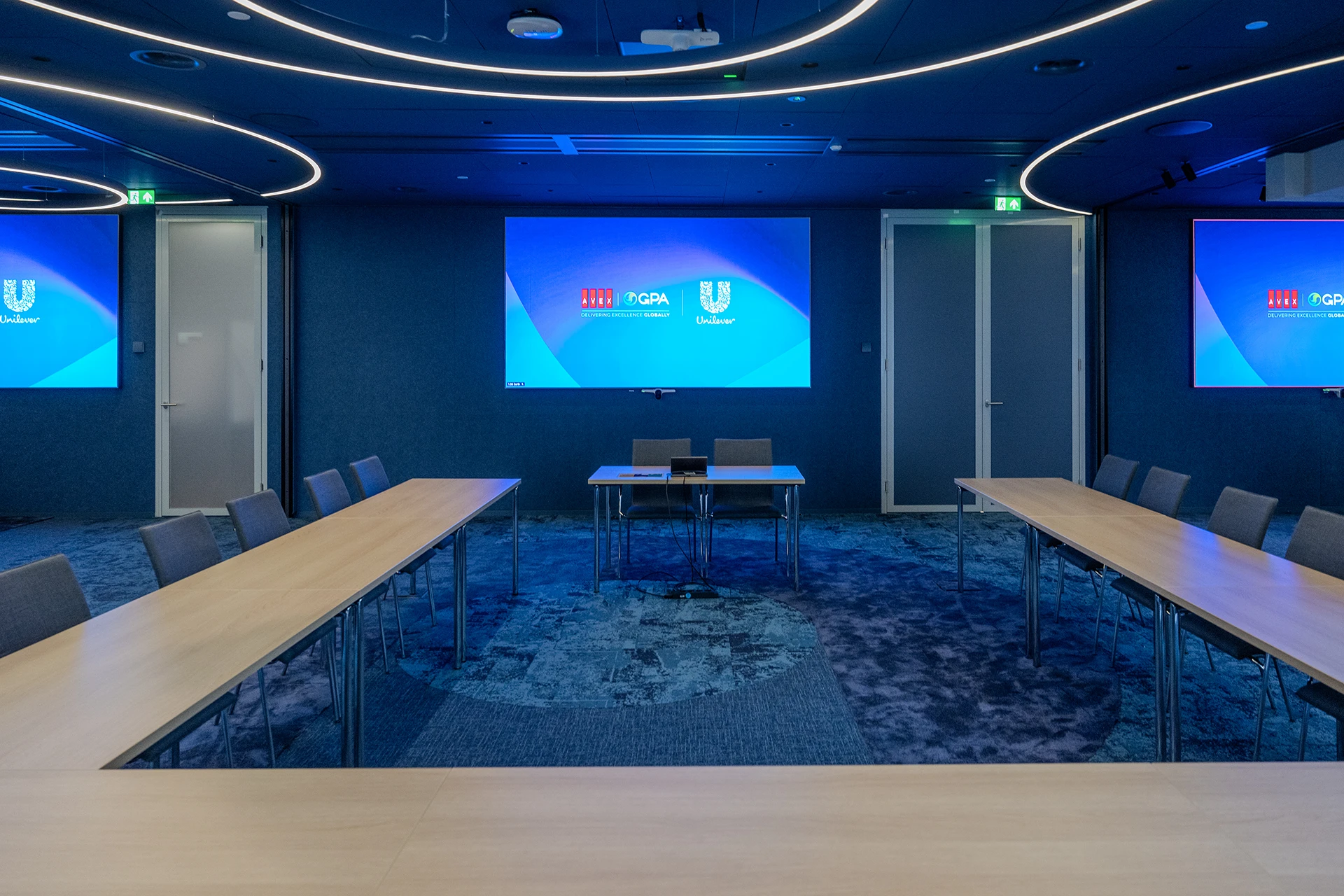
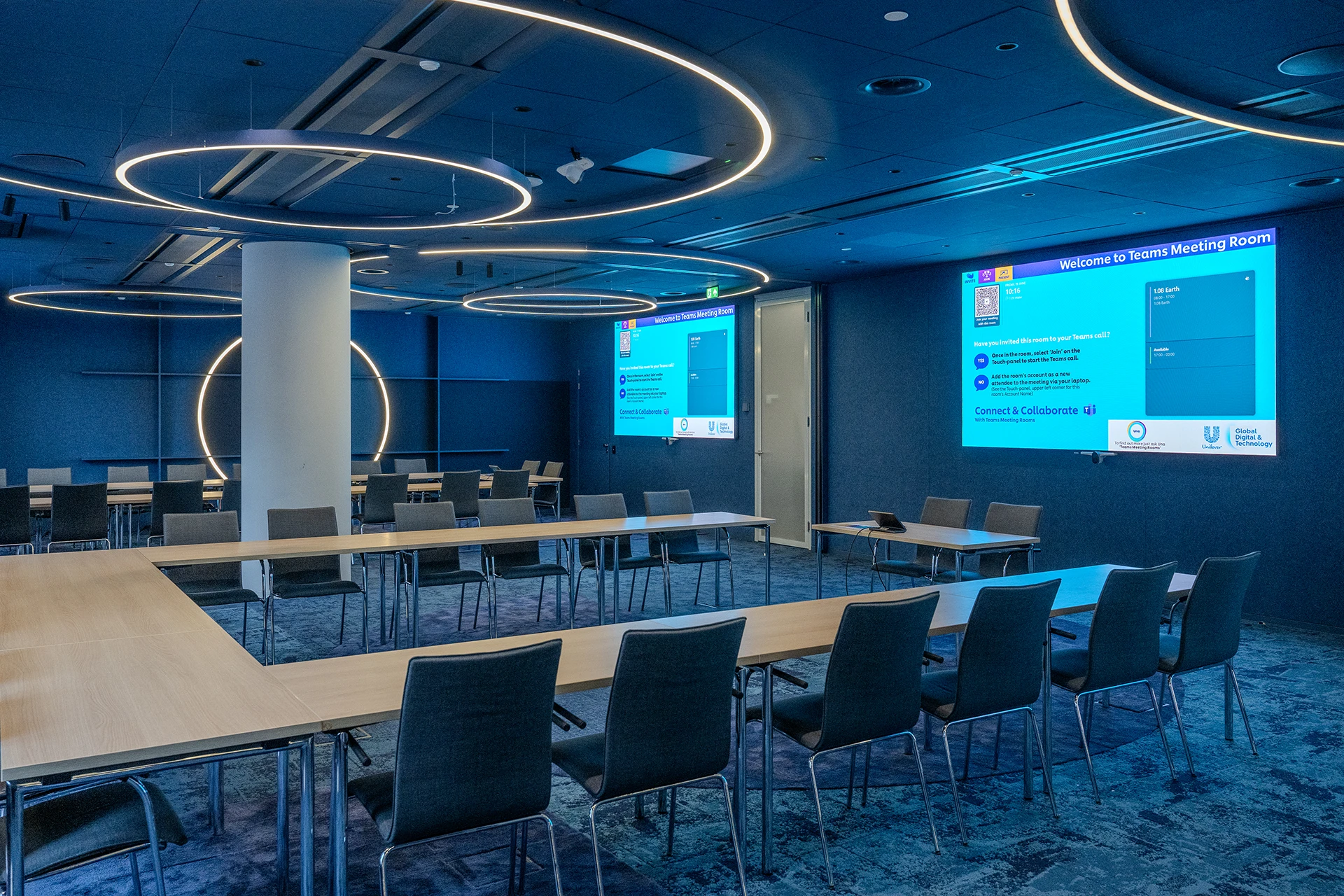
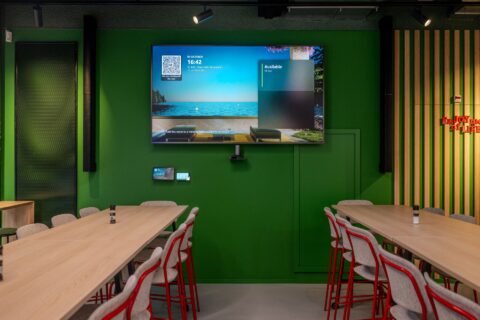
At Unilever Rotterdam, the Earth, Water and Life rooms can be used separately or combined for larger events and Town Halls.
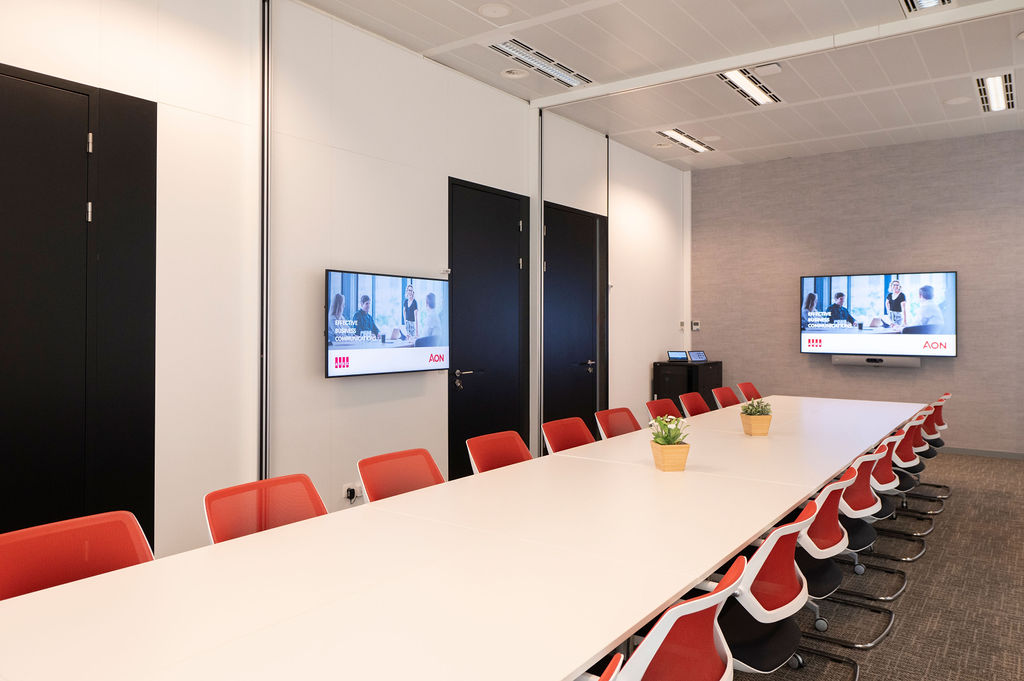
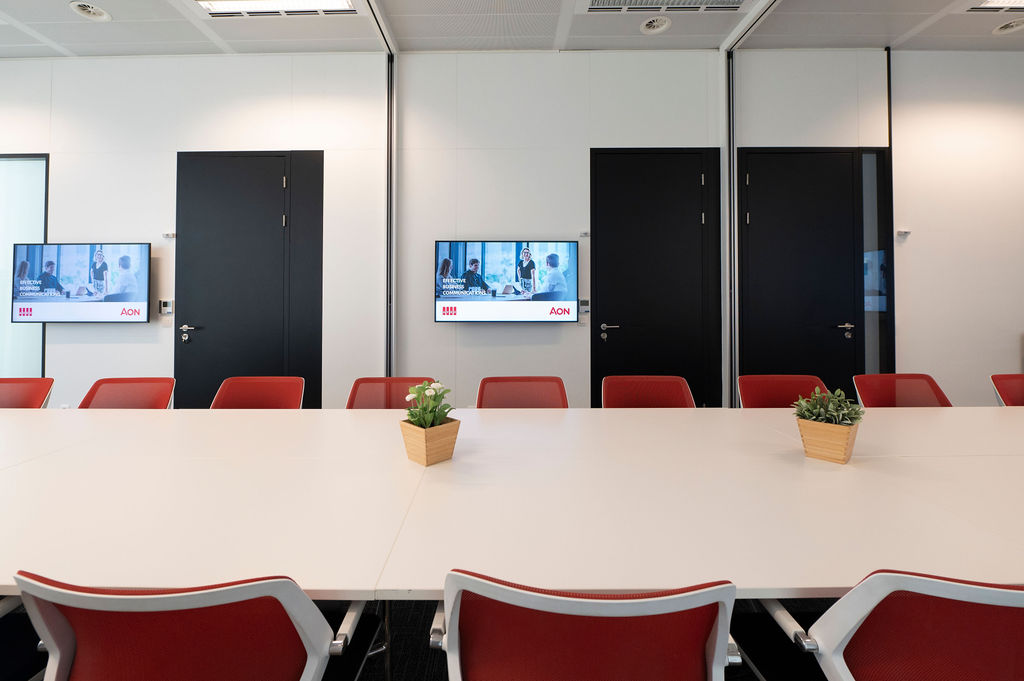
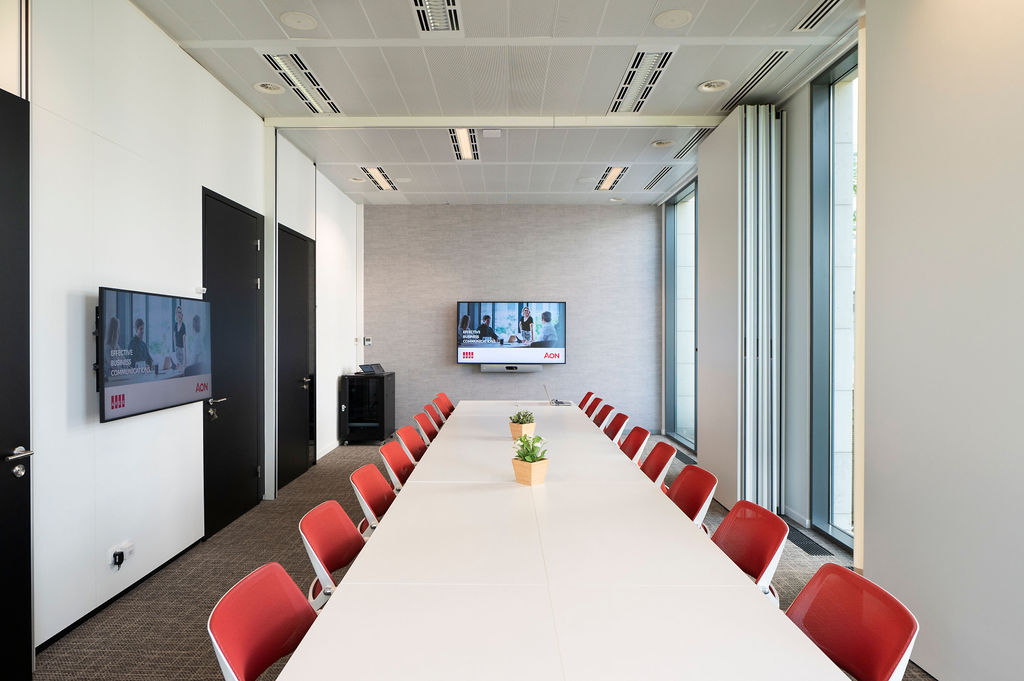
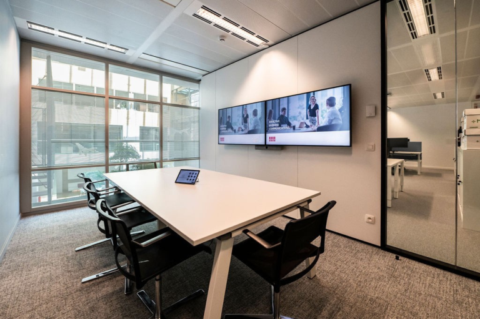
At Aon Belgium, three meeting rooms have been designed so they can be flexibly connected, allowing the office environment to adapt to what is needed at that moment.
Both projects demonstrate that flexibility only works when users do not have to think about the technology behind it.
The question is not whether a divisible room is possible
From a technical perspective, almost any space can be made divisible. The more important question is:
Will it actually add value to the way your organisation uses the space every day?
If rooms are almost always used separately, a fixed layout may sometimes be the smarter choice. If requirements regularly change between smaller meetings, training sessions and larger gatherings, a divisible room can provide significantly more flexibility. That is why a good design does not start with equipment, but with understanding how people will actually use the space.
Would a divisible meeting room work for your organisation?
A divisible meeting room can provide a great deal of flexibility, but only when the space is designed around how you actually want to use it. We are happy to explore the possibilities with you, from room layout and acoustics to hybrid meetings and ease of use.

Jeroen Labots
Portfolio Manager

Publication date
24 September 2026
Updated date
24 September 2026
Sector
All Sectors
Solution
Meeting Rooms
Keep exploring
More insights on Meeting Rooms


A great idea starts here
Whether you’re looking to upgrade, expand or optimise, we’ll help you find an audiovisual solution that fits your organisation.