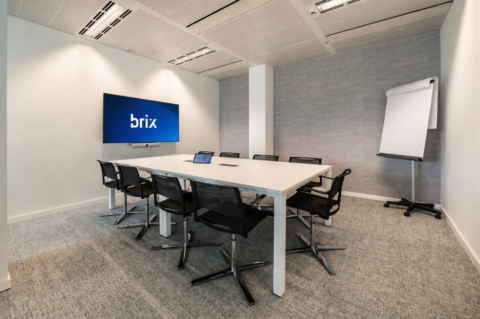
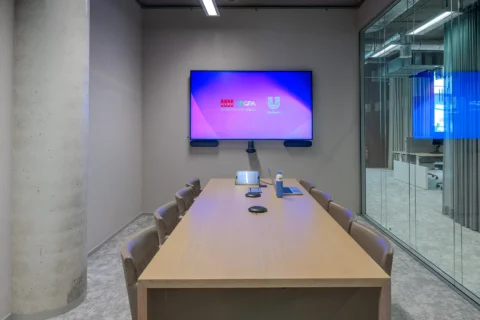
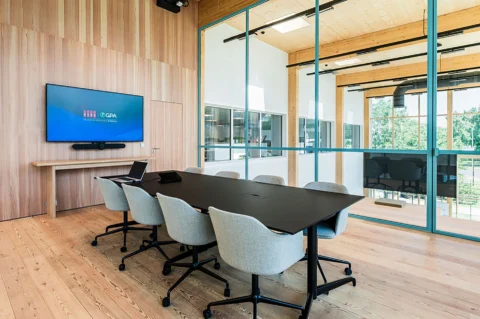
Ideally, a meeting starts as soon as everyone takes their seat. In practice, time can be lost joining the call, sharing a screen or checking the audio. The quality of a meeting room also becomes clear during the discussion: can everyone read the figures, can remote colleagues hear what is being said, and does a visitor know how to present?A good meeting room does not come from installing identical equipment everywhere. Its design needs to reflect what people do in that space. These five choices will help you decide what each room needs. The meeting rooms at Volvo Trucks Ghent show how a familiar way of working can be combined with different room layouts and sizes.
1. Start with the meeting, not the equipment
A room used for short team catch-ups has different requirements from one where colleagues review a detailed plan with people joining online. Start by describing a few meetings that actually take place in the room.
Be specific. How many people usually sit at the table? Do remote participants join regularly? Do people mainly view presentations, or do they need to read figures and drawings? Do employees use their own laptops? Should visitors be able to present easily?
Consider the layout too. With a fixed table, cameras and microphones can be positioned around known seating locations. If tables are regularly moved, the technology needs to work across several layouts. That affects both the choice and placement of equipment.
Practical step: write down two or three common scenarios for each room. For example: “Six colleagues review an Excel schedule while two people join online.” That gives you more useful direction than asking for “a large screen and a good camera”.
2. Make joining and presenting feel familiar
Employees often use several meeting rooms. It helps if the main actions work in the same way everywhere: joining a meeting, sharing content and controlling the microphone. The equipment does not have to be identical in every room, as long as the experience is familiar.
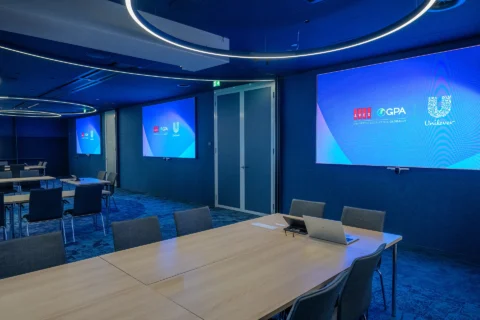
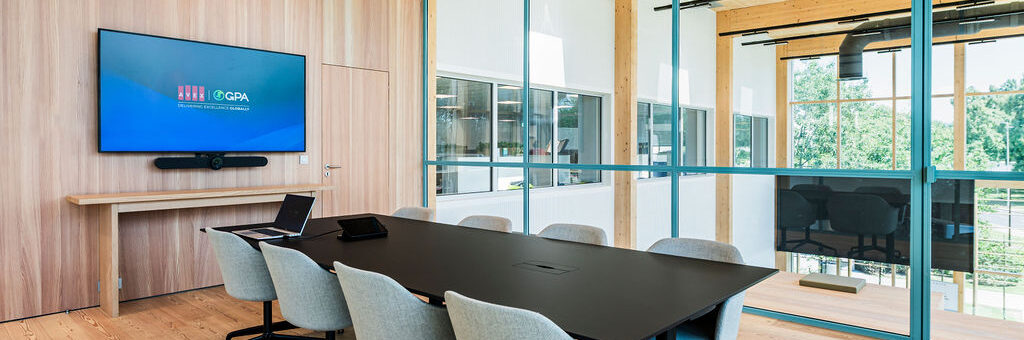
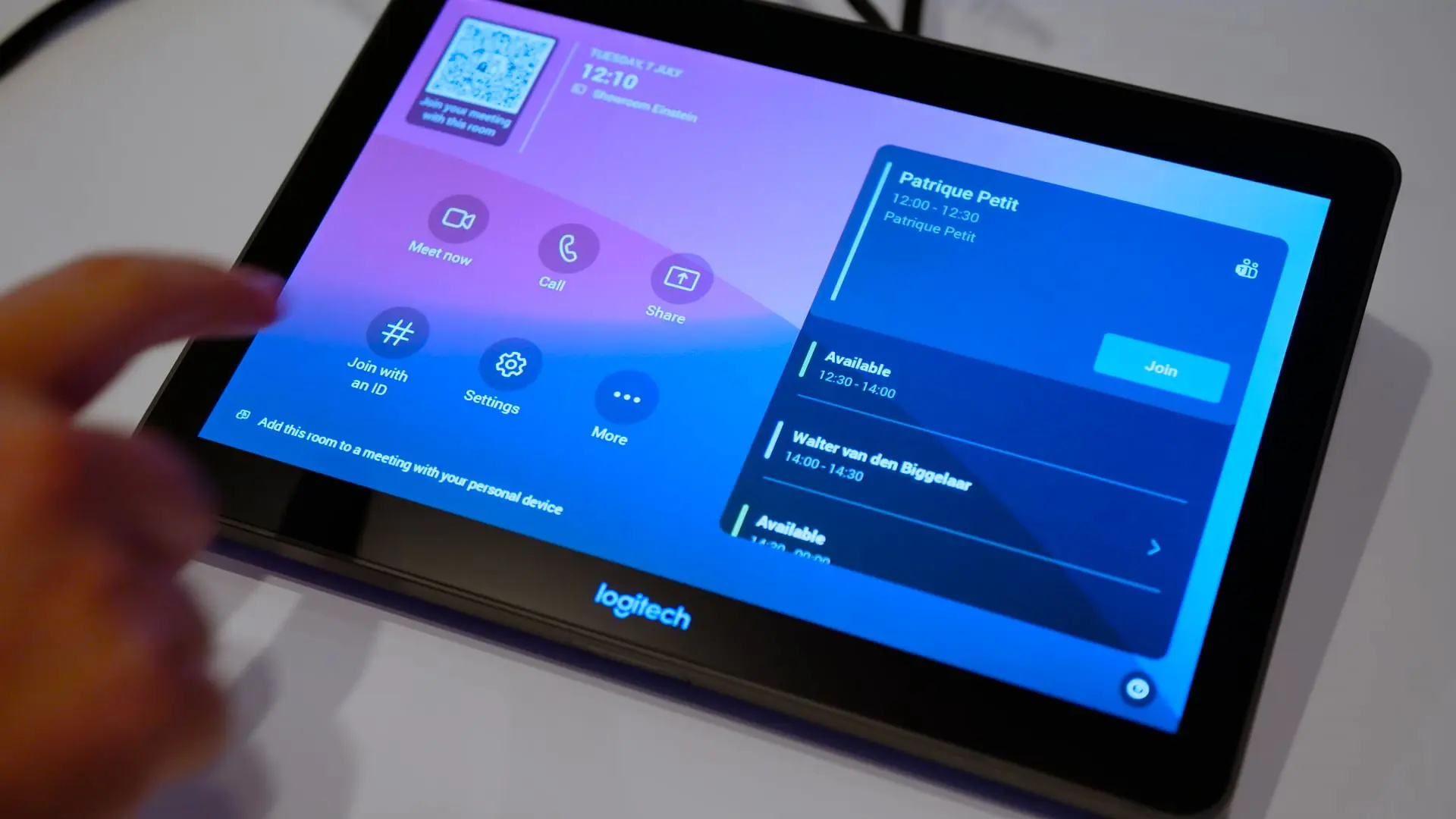
At Volvo Trucks Ghent, the meeting rooms use Microsoft Teams Rooms. The Teams interface provides a common starting point for room controls, while the display solution can be adapted to each space.
Test the standard against situations beyond a scheduled meeting. What happens if the meeting does not appear on the screen? How does a visitor share a presentation? Can someone quickly tell whether the microphone is on? These moments reveal whether people can use the room without assistance.
Practical step: ask someone unfamiliar with the room to join a meeting and share their screen without instructions. Note where they pause or look for help. Those moments show where the controls or guidance could be improved.
3. Choose displays based on what people need to read
The number of seats does not tell you everything about the display a room needs. A large photograph or presentation is often easier to follow than a spreadsheet full of small figures. Assess the content employees actually use from both the nearest and the furthest seat.
Pay attention to three things:
- Viewing distance: is the information legible at the back of the room and comfortable to view from the front?
- Light: do windows, sunlight or room lighting make the display harder to see?
- Content: do users mainly show videos and presentations, or also tables, designs and other detailed material?
A higher resolution alone will not make a small table easy to read. Screen size, viewing distance and the size of the displayed content all matter. Sometimes the answer is to present documents differently; sometimes the room needs a different display solution.
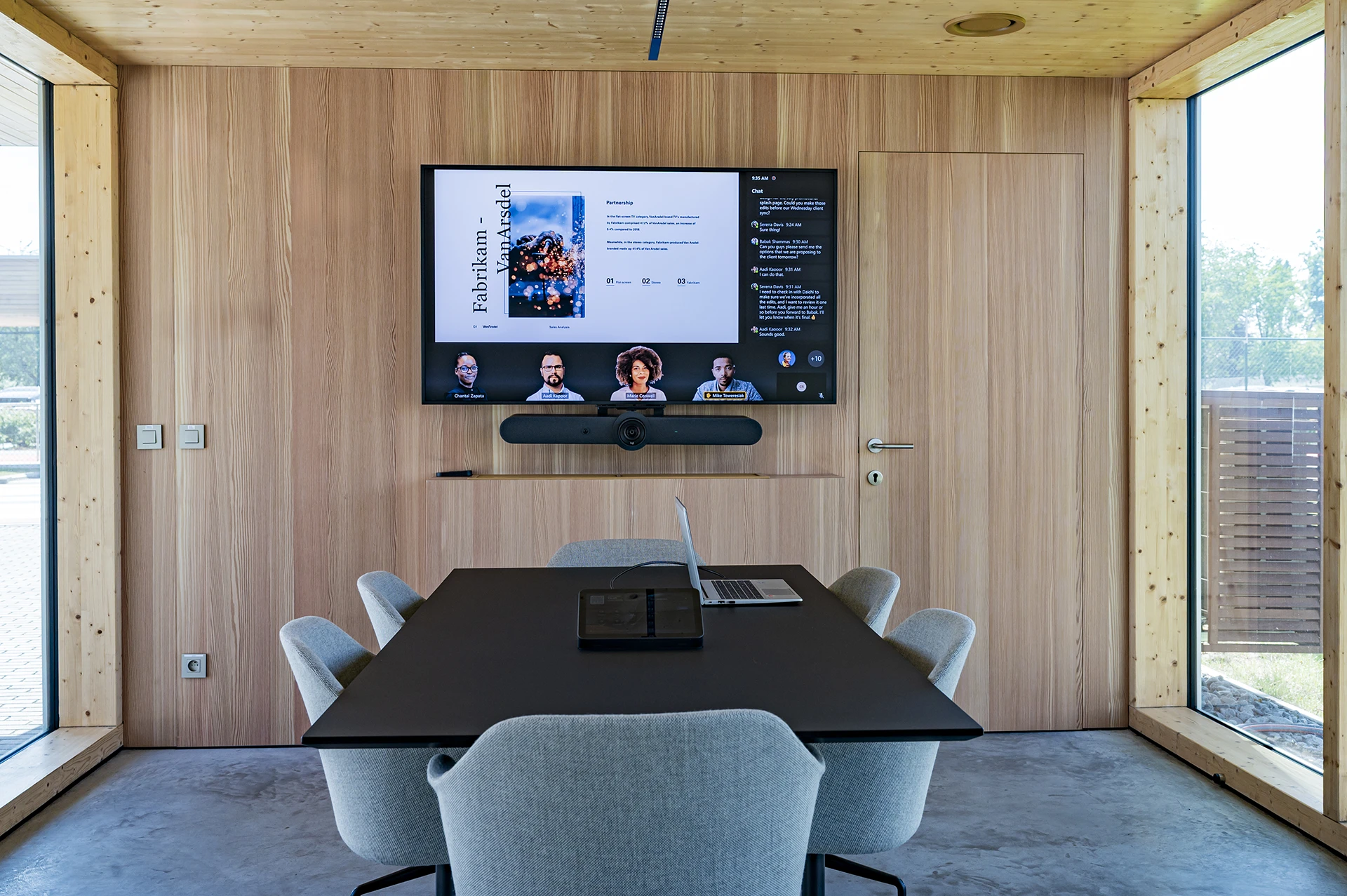
Different display sizes have been used in the meeting rooms at Volvo Trucks Ghent. This allows the controls to remain familiar while the display is suited to each room.
Practical step: open a presentation and a document that employees use every day. View both from different seats, particularly the furthest one. Ask users what they can read without zooming in.
4. Test the room from the remote participant’s perspective
A discussion can feel perfectly natural to those around the table while being difficult for someone joining online. A speaker may be out of shot, sound distant or be drowned out by noise in the room. The quality of a hybrid meeting therefore depends on more than the camera or microphone alone.
Consider the camera, microphones, loudspeakers, seating positions and room acoustics together. The camera should show the relevant participants. Microphones should pick up voices where people actually speak. Those in the room also need to hear remote participants clearly. Echo and background noise can affect all of this.
Practical step: ask someone to join from another room. Have people speak from different seats, respond to one another and share a document. Ask the remote participant who they could see and hear clearly, and whether the shared content was readable. Then check how the remote participant sounded in the meeting room.
5. Plan for maintenance and support
A meeting room needs to keep working after handover. Decide in advance who helps users, manages updates and follows up faults. Make clear what employees can resolve themselves and when they should contact support.
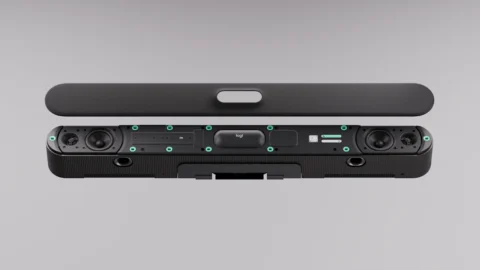
Maintenance also starts with the physical design. Are components and connections accessible? Can a part be replaced without extensive dismantling? At Volvo Trucks Ghent, slide-out trays provide access to components and cabling for inspection, maintenance and upgrades.
Give users help at the point where they need it. A short guide in the room can explain the most common actions. It should also be clear where to get help if the meeting still will not start.
Practical step: during the design stage, ask to see how a fault would be investigated and how a component would be replaced later. This turns ease of maintenance into something you can assess before installation.
Let employees run a trial meeting before handover
The best check is a real meeting with the people who will use the room. Without detailed instructions, ask them to join a call, bring in a remote colleague, share content and end the meeting. Use the documents they would normally discuss.
Watch for moments when someone searches for a control, hesitates or needs help. Check the display from different seats and ask the remote participant how well they could follow the conversation. You can then adjust the controls, equipment placement or guidance before the room is used every day.
A meeting room designed around the work
A well-designed meeting room makes everyday actions simple and helps everyone follow the discussion. Start with the meetings that take place there. Use them to assess the controls, displays, audio and maintenance needs. That gives you a sound basis for deciding what technology each room requires.
Are you planning new meeting rooms or looking to improve existing ones? AVEX can help you map out how the rooms will be used and turn those requirements into a practical design.