How easy it is to use a modern auditorium
Giving a presentation, starting a hybrid meeting or addressing a room full of people. In a modern auditorium, many audiovisual systems work together at the same time. But as a user, you should notice as little of that as possible. A well-designed auditorium makes complex technology simple. You choose what you want to do, the system configures the room for you and you can get started. Here’s what that looks like in practice.
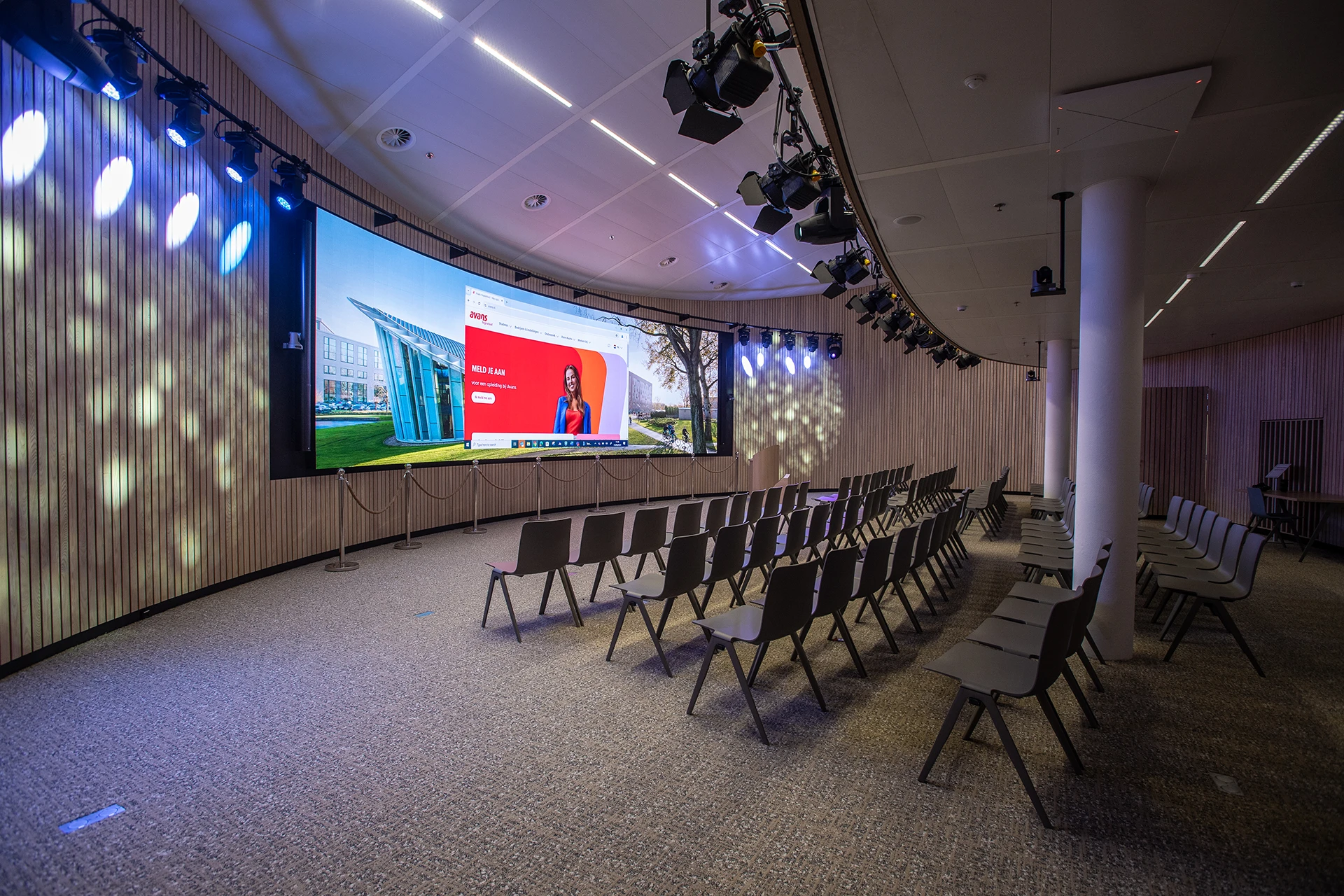
No one wants to become an AV technician just before a presentation
A large display, cameras, microphones, speakers, video conferencing, multiple sources and sometimes even several images on screen at once.
Behind the scenes, an auditorium can be quite complex. For the user, the opposite should be true. A presenter does not want to think about which camera should be active, where the sound is coming from or which display a signal needs to be sent to. They simply want to walk in, open their presentation and get started. That is why we design the controls around what people want to do, rather than around the technology required to make it happen.
One choice. The technology does the rest.
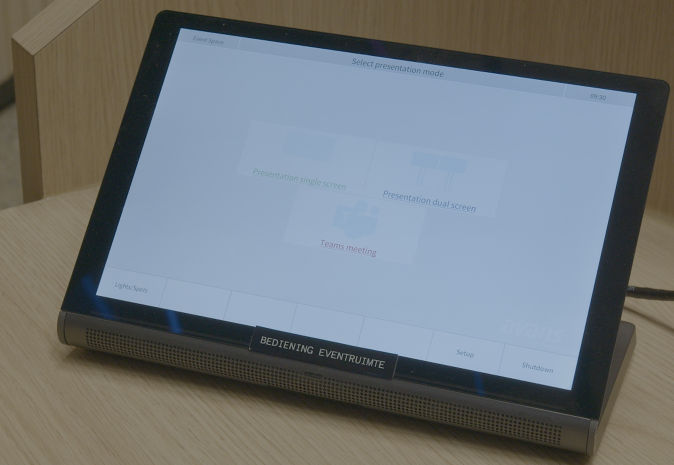
Instead of dozens of technical settings, users are presented with a small number of recognisable options.
For example:
- Start presentation
- Start Teams meeting
- Guest presentation
- Extended meeting or event
Choose a presentation, for example, and the display, correct source, audio and any required camera settings can all be activated automatically. Users do not have to operate the underlying systems separately. Pre-programmed scenarios, limited choices and consistent behaviour mean users do not need to configure technical settings themselves.
Presenting? Walk in and get started.
You are giving an internal presentation to colleagues. No technician. No extensive preparation.
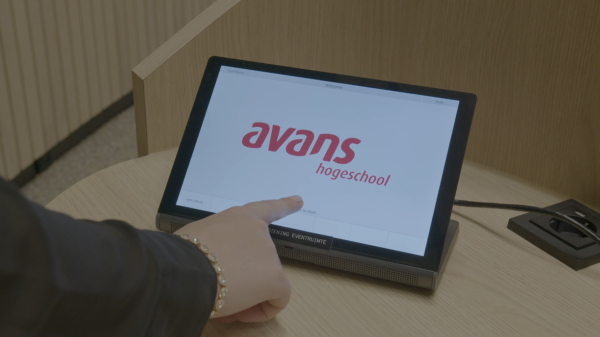
You walk into the auditorium and select Start presentation. The display switches on. Connect your laptop or share your content wirelessly. Your presentation appears on the large screen and the audio is ready to go. That is all you need to do.
What happens in the background?
Behind those few simple actions, a lot is happening. The system automatically selects the correct source, sends the content to the display and makes sure the audio is routed correctly. In the background, different systems work together without the user having to think about any of it.
The technology is complex. The controls are not.
And a hybrid meeting? Just as easy.
Not everyone is in the auditorium? The application changes, but the principle stays the same.
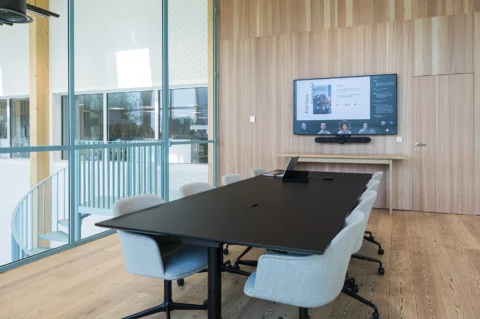
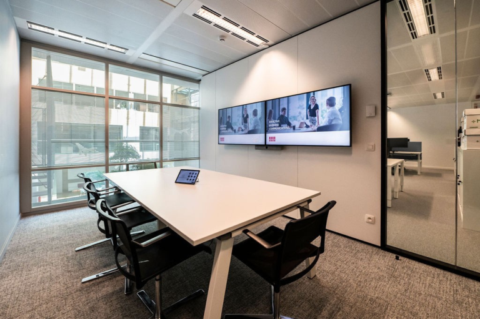
Start the Teams meeting and remote participants become part of the session. Content can be shared directly from Teams or from a laptop, while cameras can automatically switch between different viewpoints.
So the user does not have to be both presenter and director at the same time.
From presentation to symposium
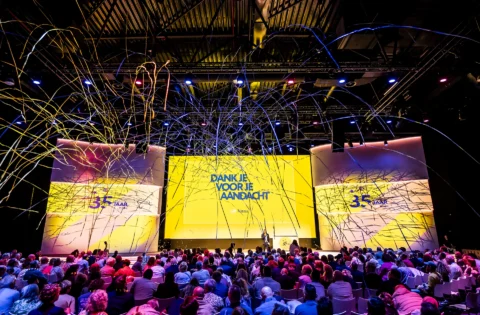
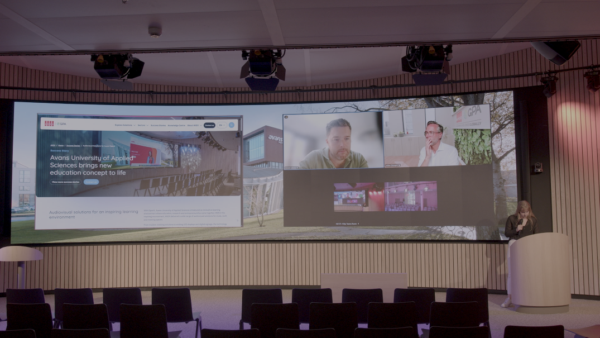
An auditorium is not used in the same way every day. One day, a colleague may be presenting to the room. The next, there may be a guest speaker, a hybrid meeting or an event with multiple presenters. The same audiovisual environment can be configured to support all of these scenarios.
A guest can connect a laptop, present wirelessly or join via Teams. For larger meetings, microphones, different camera positions and pre-programmed scenarios can be used. Technology can also support sessions involving multiple speakers and audience interaction. Different video sources can be combined, while audio and cameras can adapt to the selected scenario.
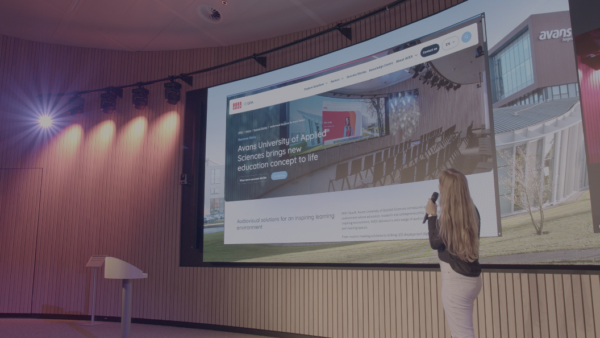
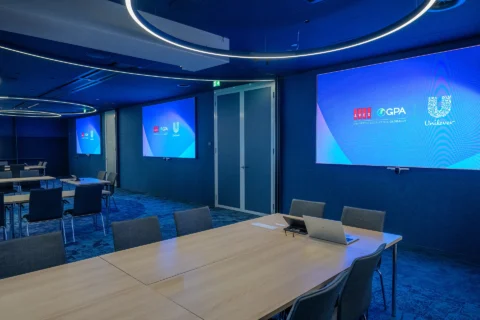
One large screen. Different possibilities.
Presentation + speaker
Show the presentation prominently, with the speaker alongside it or as picture-in-picture.
Presentation + Teams
Show content and remote participants at the same time.
Multiple sources
For more extensive sessions, the speaker, presentation and remote participants can all be shown together in a single layout.
With pre-programmed scenarios, users do not need to decide how all these images should be arranged or routed. A single choice can be enough to activate the required set-up.
Simple controls are powered by smart technology
For the user, it may only be a few buttons.
Behind them, video, audio, video conferencing, cameras, signal distribution and control all need to work together seamlessly.
That takes more than good equipment. It requires an audiovisual environment designed as one integrated system.
That is why AVEX first looks at how the auditorium will be used in practice. What types of meetings and events take place there? Who uses the room? And what should they be able to do independently?
Based on this, we design and programme the different user scenarios. No more choices than necessary, while retaining enough flexibility for different applications.
Complex where it needs to be. Simple where it matters.
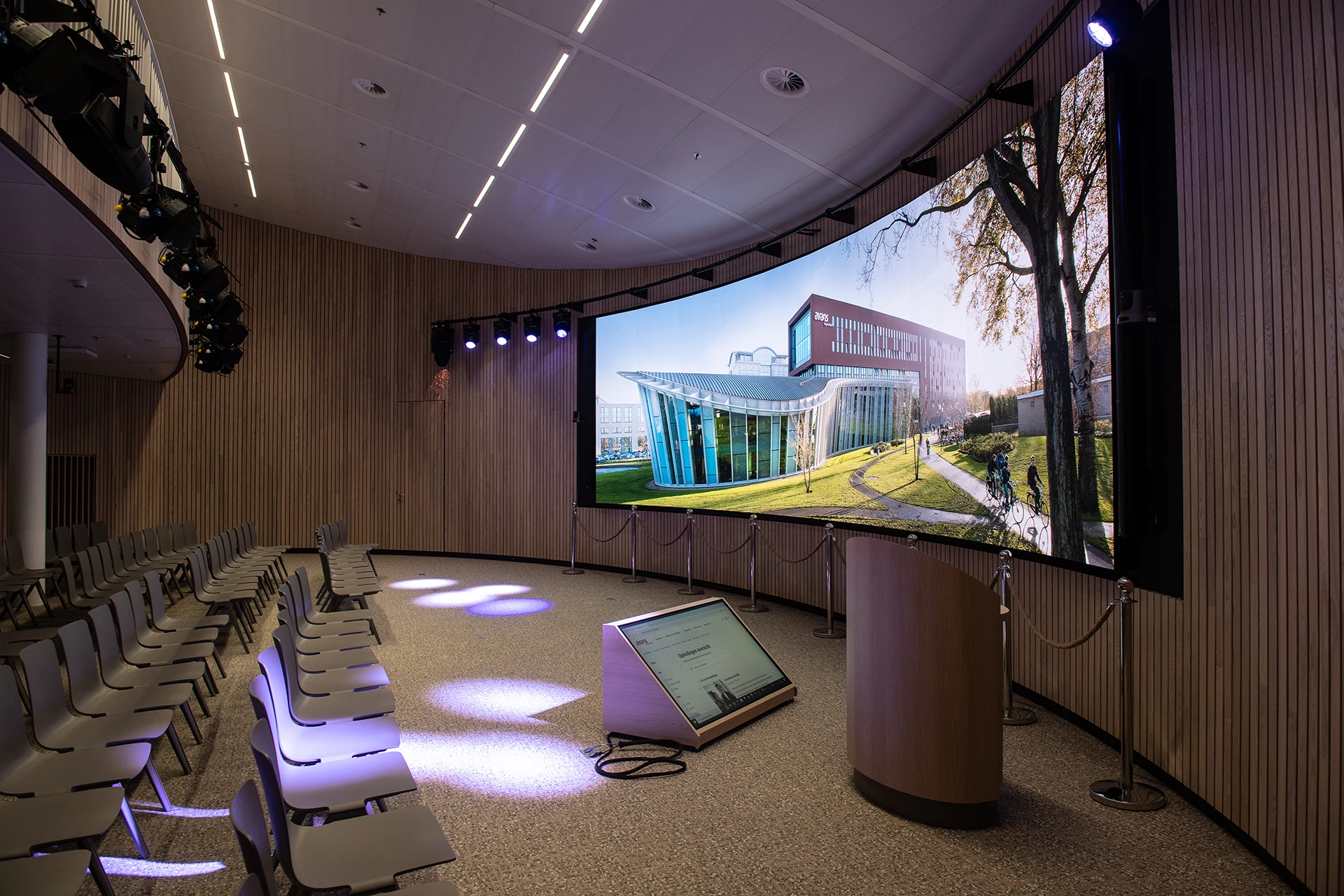
An auditorium people feel confident using themselves
Ease of use does not mean a system can do less. It means users do not need to understand how the system works to do what they came to do.
Easy to start
Recognisable scenarios instead of technical settings.
Independent use
Less reliance on technical support for everyday use.
Professional presentations
Video, audio and cameras work together as one system.
Flexible applications
From internal presentations and hybrid meetings to symposiums and events.
An auditorium that can do more without becoming complicated?
Tell us how your organisation uses its auditorium. We map out the different user scenarios and design an audiovisual environment in which technology supports people without adding unnecessary complexity.
Merel
Content Specialist

Publication date
29 August 2026
Updated date
16 September 2026
Sector
All Sectors
Solution
Auditoriums
Keep exploring